
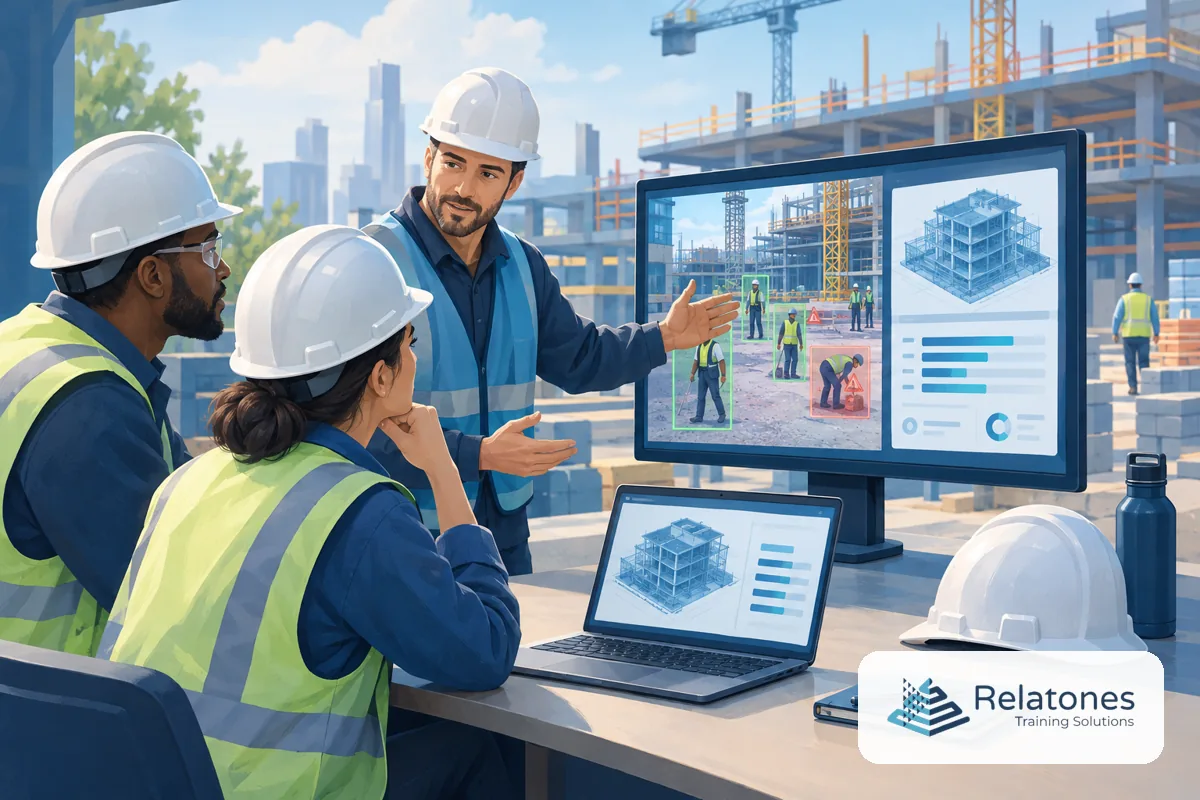
AI training for construction workers is practical instruction on using AI tools safely and effectively in everyday construction tasks, including safety monitoring, project estimation, documentation, and scheduling. For small and midsize contractors, the gap between awareness and actual use is wide: 90% of U.S. construction professionals expect AI to become indispensable within five years, but only 8% currently use it on the job, according to DEWALT survey data cited by industry researchers. That gap is a business risk, not just a missed opportunity. This article explains what good AI training covers, how to roll it out without pulling crews off productive work, and what risks to manage along the way.
New to this topic? Start with our AI training for employees guide for a full overview of workforce AI adoption, or explore our AI workforce training program built for teams without an internal L&D department.
Why AI Training for Construction Workers Matters Now
The construction industry faces a real skills mismatch. Workers who already use AI on the job report expecting productivity gains, better quality control, and cost savings, according to industry research cited by the Appalachian State University Career Development Center. But the same research shows that 87% of construction professionals say AI education belongs in trade schools or technical programs, and 59% want hands-on training tied directly to construction tasks. That is not what most workers are receiving today.
For a 50- to 500-person contractor, the cost of doing nothing is straightforward. Competing firms that train their estimators to use AI for quantity takeoffs and their foremen to use it for daily reports can produce the same quality of work faster and with fewer administrative errors. A project manager who cannot use document search or draft an RFI with AI assistance is slower than one who can. Over several projects, that gap adds up in bid margins and schedule performance.
The Hitehouse America’s AI Action Plan document calls for industry-driven training programs co-developed by employers and training partners, with a focus on connecting workers directly to job-ready skills. The congressional hearing on adopting AI at work identified worker displacement concerns and employee surveillance as central issues employers need to address proactively. For construction companies in California, new state legislation now requires that automated employment decisions include human review, making it even more important that supervisors understand what AI can and cannot decide on its own.
What AI Training for Construction Workers Should Cover
A training program that teaches workers how to use a chatbot but skips verification, data security, and role-specific practice will not change how work gets done on the jobsite. The curriculum needs to address both the tools and the judgment required to use them responsibly.
- AI fundamentals - What generative AI can and cannot do, common failure modes such as fabricated content and miscalculated quantities, and which construction tasks are appropriate starting points.
- Prompting with job context - How to give an AI tool enough information to produce a useful output: the role, the task, the source documents, the constraints, and the required format.
- Output verification - How to compare AI-generated content against drawings, specifications, contracts, codes, and company procedures, and when to reject or escalate a recommendation rather than accept it.
- Data security and acceptable use - Which tools are approved, what data may never be entered into a public AI system (client plans, bid pricing, employee records, proprietary methods), and how to report a data-exposure incident.
- Role-based practice - Superintendents and foremen working on daily logs and look-ahead planning, estimators practicing scope extraction and change-order documentation, safety staff drafting inspection checklists under human supervision.
- Responsible-use rules - Who may authorize AI-generated material, what retention expectations apply, and how to handle AI outputs that touch hiring, scheduling, or performance evaluation.
A good starting point for trade-specific instruction is the AI for Construction Trades course from Wentworth Institute of Technology, which is built around the U.S. Department of Labor’s AI Literacy Framework and uses real construction scenarios rather than generic office examples.
How to Roll Out AI Training on a Construction Team
Starting company-wide creates coordination problems and pulls too many people off productive work at once. A controlled pilot on one workflow with a small cross-functional group is the more reliable path.
- Assess current use and set governance first. Survey crews to find out which AI tools are already being used informally, what data may have been shared with public tools, and which two workflows create the most daily friction. Write a one-page acceptable-use policy before any formal training begins.
- Name an accountable owner. A project executive, safety director, or tech-comfortable superintendent can coordinate goals, attendance, and tool access without a dedicated L&D department.
- Build a small pilot group. Include a field supervisor, an estimator or project engineer, a safety representative, and an office administrator. Pair digitally comfortable employees with field personnel so the training reflects jobsite realities rather than office assumptions.
- Deliver short, job-embedded sessions. Use 15- to 30-minute modules inside existing safety meetings, toolbox talks, or foreman sessions. Adding large standalone training blocks to a construction schedule rarely works.
- Run a supervised pilot on one live workflow. Have the pilot group use AI on one real project, with a human sign-off requirement and a shared library of tested prompts and examples. Daily reports, meeting summaries, and RFI drafts are low-risk starting points.
- Measure before expanding. Track time saved on target tasks, the percentage of AI outputs requiring substantial correction, repeat use by trained workers, and any data-policy violations. Expand only where quality is maintained or clearly improved.
- Reassess when tools change. AI platforms update frequently. Any time a vendor changes its model, data practices, or user controls, the acceptable-use rules and training content need a review.
Skipping the governance and verification steps produces the most common failure mode: workers complete the training, use the tools with low confidence, produce outputs they cannot validate, and quietly stop using them within a few weeks.
Assess My Team → Free. 10 minutes. No commitment.
A Practical 90-Day Rollout Framework
A 90-day structure keeps the program manageable without letting momentum stall.
Weeks 1 and 2: assess and govern. Identify current tool use, digital comfort levels, approved software, sensitive-data risks, and two priority workflows. Establish the acceptable-use policy and confirm which data classifications are off-limits in public AI tools.
Weeks 3 and 4: baseline training. Deliver a single session covering AI fundamentals, data security, prompting, and verification. Use examples drawn from the company’s own reports and documents, not generic templates.
Weeks 5 through 8: supervised pilot. Run the pilot group on one live project workflow with human review at each output stage. Build a shared prompt library as the team discovers what works.
Weeks 9 through 12: evaluate and expand. Measure time saved, error rates, adoption rates, worker confidence, and any safety or compliance issues. Use those numbers to decide whether to add a second workflow and whether to bring in additional crew members.
This structure mirrors the approach Apprenticeship.gov recommends for integrating AI into registered apprenticeships, which emphasizes embedding new skills into existing learning contexts rather than layering on standalone technology courses.
For roles that benefit from deeper technical instruction, the UC Davis AI in Construction continuing education course covers prompt engineering, computer vision for safety monitoring, and workflow design for project managers, engineers, and estimators.
The NIH research on AI in occupational health and safety notes that maximizing AI’s safety benefits requires both employer and employee training alongside clear policies governing data privacy and ethical use. That finding holds directly for construction: the technology only improves safety outcomes when workers know how to interpret its alerts and when to override them.
Delivery Format Comparison
| Format | Best for | Drives behavior change? | Notes |
|---|---|---|---|
| Blended | Pilot groups mixing office and field roles | Strong | Short in-person sessions plus follow-up practice on real work produces the most durable adoption |
| Live Virtual | Distributed crews across multiple jobsites | Strong | Works well for foreman and PM cohorts; requires camera-on participation and real workflow examples |
| Live In-Person | Initial fundamentals and safety sessions | Strong | Best for crews with limited digital access; fits inside existing toolbox-talk formats |
| Self-Paced | Supplemental reference or reinforcement only | Limited | Low accountability and no practice feedback; not recommended as the primary format for behavior change |
How Relatones Approaches AI Training for Construction Teams
Relatones starts with a structured assessment of your team’s current AI use, digital comfort, and highest-friction workflows before any training is designed. That assessment identifies which roles need fundamentals first and which are ready for role-specific practice on real tasks such as estimating, daily reporting, or safety documentation. Training is then built around the work your team actually does, not generic AI demonstrations. Field supervisors practice on daily log formats your company already uses. Estimators work through prompts tied to your bid structure. Each session includes verification practice so workers learn to catch AI errors before they reach a project file. After delivery, Relatones measures adoption, output quality, and supervisor-rated usefulness rather than just course completion. The result is a team that uses AI consistently on targeted workflows, catches mistakes before they become rework, and handles sensitive project data according to clear, documented rules.
Frequently Asked Questions
How will AI affect construction workers’ jobs?
AI is more likely to change how construction workers do their jobs than to eliminate those jobs outright. Tasks such as daily reporting, document search, and quantity takeoffs can be partly automated, freeing skilled tradespeople for work that requires hands-on judgment. The workers most at risk are those who do not learn to use and verify AI tools, because firms that adopt AI effectively will expect everyone on the team to work alongside it.
What should AI training for construction workers actually cover?
Good training covers AI fundamentals, job-specific prompting, output verification, data security rules, and role-based practice on real workflows such as daily logs, estimating, or safety observations. Generic technology demonstrations rarely produce lasting adoption. Training tied to the tasks workers do every day, with clear rules on when to reject an AI output, is what changes behavior on the jobsite.
How long does it take to train a construction crew on AI tools?
A practical pilot program can run in 90 days. The first two weeks focus on assessing current tool use and setting acceptable-use rules. Weeks three and four deliver a short fundamentals and security session. Weeks five through eight run a supervised pilot on one live workflow. The final weeks measure results and decide whether to expand. Field training works best in 15- to 30-minute sessions that fit inside existing safety meetings or toolbox talks.
What are the biggest risks of using AI on a construction jobsite without training?
The main risks are inaccurate outputs that go unchecked, sensitive project data uploaded into unapproved public tools, and workers who click through training without actually changing their behavior. An AI-generated estimate or safety checklist that contains errors can produce rework, project delays, or an OSHA-recordable incident. Untrained workers are also more likely to expose client data, bid pricing, or employee records to external AI systems.
Does OSHA require AI training for construction companies?
OSHA does not specifically require AI training, but employers remain fully responsible for safe working conditions regardless of what tools workers use. If a worker relies on an incorrect AI output and an incident occurs, the company still faces OSHA liability. Good AI training teaches workers when to reject an AI recommendation and when to escalate to a competent person, which supports existing OSHA compliance obligations rather than replacing them.
Start Building AI Skills Before the Gap Widens
The difference between construction companies that benefit from AI and those that struggle with it comes down to whether workers can verify outputs, protect sensitive data, and apply tools to their actual workflows. Waiting until a competitor has already trained their foremen and estimators is a costly starting position. Assess where your team stands now and find out which workflows are ready for a pilot.
Assess My Team → Free. 10 minutes. No commitment.
Sources & References
Every statistic in this article is drawn from primary, US-based research. Explore the original sources below.
- 1How Will AI Affect Construction Working Class? What to Consider
- 2America's AI Action Plan
- 3Building an AI-Ready America: Adopting AI at Work
- 4AI in Registered Apprenticeship
- 5AI in Construction | Continuing and Professional Education
- 6AI for Construction Trades
- 7Reading the Room: Preparing Workers for AI
- 8AI Impact on Occupational Health and Safety