
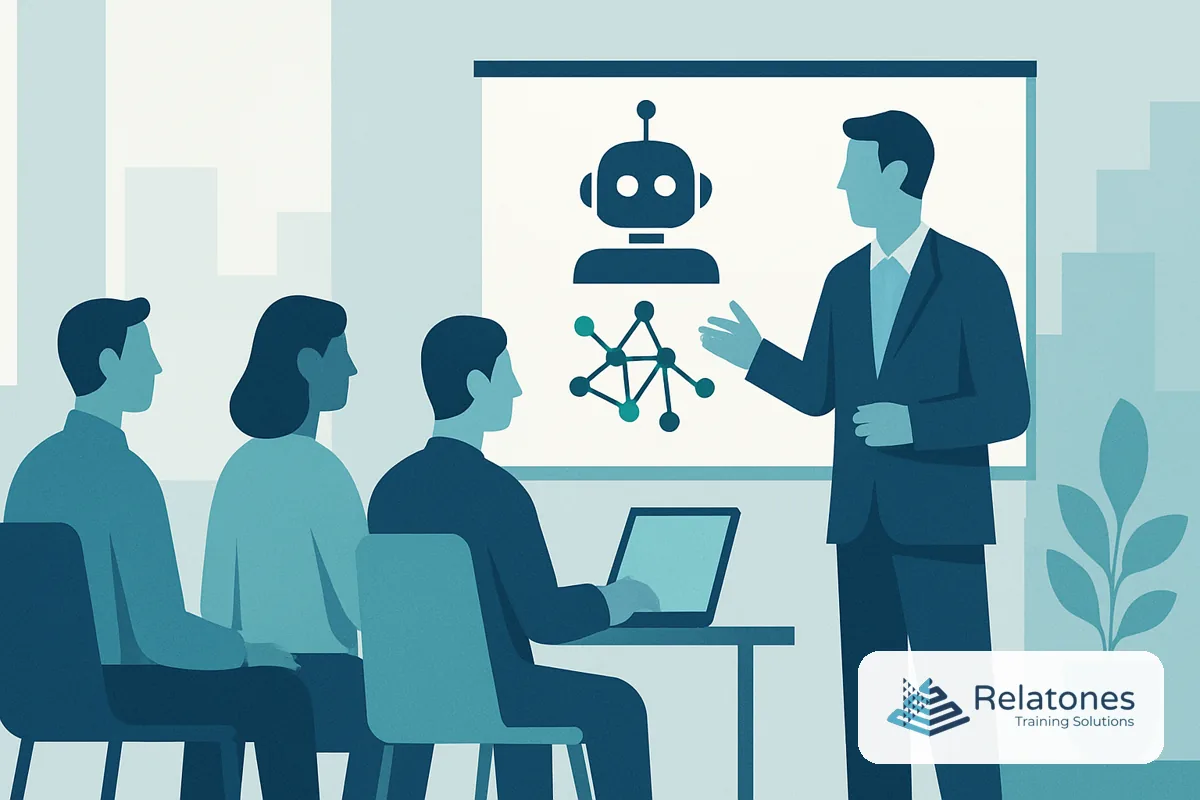
In-person AI training for employees is a live, facilitated workshop where staff practice using AI tools on their own real tasks—with a coach in the room, immediate feedback, and guardrails built in from the start. It solves a problem self-paced courses can’t: the gap between “I watched a video about prompting” and “I actually changed how I work.” Most teams are somewhere in that gap right now. If your employees are experimenting with AI on their own—sometimes in ways that put client data at risk—this article will show you what structured, in-person training covers, how to run it, and why the format itself is doing a lot of the work.
New to this topic? Start with our complete guide to AI training for employees, or explore our AI workforce training solutions to see how a session runs.
Why In-Person AI Training Matters Now
The adoption numbers look encouraging on the surface. U.S. Census Bureau data from late 2025 through mid-2026 show that 17–20% of US businesses are actively using AI, with another 20–23% expecting to start within six months. But adoption and integration are two very different things. Only 14% of small businesses have fully embedded AI into core operations, even though over 75% say they’re using it in some form, according to U.S. Chamber of Commerce guidance. That gap—widespread experimentation, shallow results—is exactly what structured training closes.
The demand for help is equally clear. A 2026 Jobs for the Future survey found that only 36% of workers say they have the training and resources they need to use AI in their jobs, down from 45% the year before. That number is moving in the wrong direction. Meanwhile, employees are not waiting for a formal program: 66% of office professionals have used AI at work even when they believed it broke company policy, according to PagerDuty’s 2026 Shadow AI Survey. That statistic is the clearest argument for acting now—your team is already using these tools; the question is whether they’re using them safely.
The cost of inaction is concrete. Untrained employees produce an estimated $186 per person per month less value from AI tools than trained ones—roughly $987,500 annually in a 100-person business. More tangibly, a single incident of an employee pasting sensitive client data into an unapproved model can trigger state privacy law exposure, breach-of-contract claims, or client relationship damage that no productivity gain offsets. In-person training addresses both the upside and the risk in the same session.
What In-Person AI Training Should Cover
A well-designed session does more than show employees how to write a prompt. It builds the judgment to know when AI output is trustworthy, what data should never leave the building, and how to make the tools genuinely useful in the employee’s specific role—not in a generic demo context.
The four layers every program needs:
- AI literacy and policy — What the tools actually are, what they get wrong, and your organization’s acceptable-use rules: approved tools, banned inputs (customer PII, financial data, credentials), and what requires human review before it goes external.
- Core tool skills — Prompt structuring, iterative refinement, and the most common workflows: drafting, summarizing, researching, and generating structured documents.
- Risk and governance — Scenario-based drills covering shadow AI, hallucinated content in client deliverables, and data-handling dilemmas. Managers and anyone touching hiring or evaluation need this layer specifically.
- Role-specific application — Sales teams practicing follow-up email generation from call transcripts; operations staff drafting SOPs; HR writing job descriptions with EEOC guardrails in mind. Generic demos don’t change behavior; role-specific practice does.
For a deeper look at building the full program, see our complete AI training guide.
How to Run In-Person AI Training Step by Step
The format that works is shorter and more frequent than most leaders expect. One marathon “AI day” creates a spike of curiosity that fades within two weeks. Recurring 60–90 minute sessions tied to real work create lasting behavior change.
- Draft a one-page AI acceptable-use policy before the first session — Define approved tools, banned data types, and what requires human sign-off. Employees need a rulebook before they practice, not after. Cover it in the first ten minutes of every workshop.
- Run a 90-minute all-hands foundation workshop — Fifteen minutes demystifying AI (including naming the job-threat fear directly), twenty minutes walking through the policy with live scenarios, forty minutes of hands-on practice where every participant works on a task they actually do, and fifteen minutes setting expectations for ongoing cadence. Google’s Grow with Google program and OpenAI’s small business academies both use this structure because it works.
- Split into role-specific labs within two weeks — Sales, customer service, operations, and HR each get a 60–90 minute session built around five to ten approved use cases for their function and real work artifacts. This is where the productivity gains actually land.
- Nominate one AI champion per team — Train them to a deeper level so they can host weekly 45-minute practice sessions, curate a shared prompt library, and serve as the first line of support. America’s SBDC AI U program uses this same train-the-facilitator model to reach 100,000+ clients without building a central L&D function.
- Establish a weekly or bi-weekly 45-minute cadence — Fifteen minutes of micro-lesson, twenty minutes of live practice, ten minutes of group sharing. This rhythm drives adoption faster than any single workshop.
- Review and refresh quarterly — AI tools change. Your policy may need updates. Incidents from the prior quarter become teaching scenarios. A quarterly refresh keeps training current without requiring a standing L&D function.
Skipping steps two and three—the hands-on practice and the role-specific application—produces exactly the outcome most organizations already have: employees who understand AI conceptually but don’t change how they work. The format is not decoration; it is the mechanism.
Assess My Team → Free. 10 minutes. No commitment.
The In-Person Advantage: A Simple Framework
Self-paced AI courses answer the question “What is this tool?” In-person workshops answer the question “How do I use this tool on the thing I’m doing right now?” That difference explains why 78% of participants in OpenAI’s in-person small business AI events built a functional workflow in a single day, and 42% reported saving more than five hours per week afterward. A video module cannot replicate the combination of live coaching, peer accountability, and immediate application to real work.
Use this framework to decide when in-person is the right call:
- Behavior change is the goal — If the outcome is “employees will stop pasting client data into unapproved tools,” you need live practice and discussion, not a checkbox course.
- Fear or resistance is present — In-person sessions let a facilitator address the job-threat concern directly and watch it dissolve in real time. That cannot happen asynchronously.
- The skill requires judgment, not just information — Knowing that AI hallucinates is information. Recognizing a hallucination in your own output and knowing what to do about it is a skill. Skills require practice with feedback.
- Consistency across roles matters — When everyone in a 150-person company needs the same baseline policy understanding, a live session creates shared language and shared accountability in a way that individual video completions do not.
The U.S. Chamber of Commerce’s Small Business B(AI)sics initiative and America’s SBDC both chose in-person delivery as their primary format for the same reason: it converts AI curiosity into operational change, and it does it faster.
Delivery Format Comparison
| Format | Best for | Drives behavior change? | Notes |
|---|---|---|---|
| Blended (in-person + async) | Foundation workshop + ongoing reinforcement | Strong | Best overall ROI; in-person sessions anchor the habits, async content maintains them |
| Live Virtual | Distributed teams, role-specific labs | Strong | Retains most in-person benefits when facilitated well; requires camera-on, active participation |
| Live In-Person | All-hands foundation, policy rollout, high-resistance teams | Strong | Highest impact for behavior change and trust-building; requires scheduling coordination |
| Self-Paced | Pre-work before a live session, reference material | Limited | Effective for awareness; not sufficient alone for safe AI adoption or behavior change |
How Relatones Approaches In-Person AI Training
Relatones starts with a role-by-role assessment of how your team currently uses—or avoids—AI tools, then builds workshops around your actual workflows, not a generic curriculum. Every session covers your acceptable-use policy, role-specific use cases, and the risk scenarios most relevant to your industry. Employees practice on their own real tasks during the session, with a facilitator catching bad habits before they become bad patterns. After the live training, Relatones provides reinforcement tools—prompt libraries, champion coaching, and a quarterly refresh cadence—so the behavior change doesn’t fade in three weeks. The result is a team that uses AI confidently, safely, and in ways you can actually measure.
Frequently Asked Questions
How do you sell AI initiatives to employees without them feeling their jobs are threatened?
Start with a live, in-person session that explicitly names the fear. Tell employees the training exists to make their work easier, not to replace them—then prove it by practicing on their own real tasks. When people see AI improve a report they actually write, anxiety drops fast. Transparency beats euphemism every time.
Why are employees uncomfortable with AI handling communications entirely?
Because fully automated communication removes human judgment from a process that carries real professional risk. In-person training addresses this directly by teaching employees to treat AI output as a first draft, not a final product. The goal is confident editing, not blind send—and live workshops build that habit in a way a self-paced video never will.
How do teams manage AI learning while working full time?
Short, recurring sessions beat marathon workshops. Forty-five to ninety minutes every one to two weeks—anchored to real tasks employees are already doing—keeps the learning load manageable. Identifying an AI champion per team also distributes the support burden so no single person carries it alone.
Have you noticed employees pasting client data into chatbots with no rules in place?
Yes, and it is widespread. PagerDuty’s 2026 Shadow AI Survey found that 66% of office professionals have used AI at work even when they believed it broke company policy. An in-person session that walks through specific banned inputs—customer PII, financial data, credentials—and explains why is far more effective at stopping this behavior than a policy PDF employees never read.
How quickly can employees build a functional AI workflow through in-person training?
Faster than most leaders expect. In OpenAI’s hands-on small business AI events, 78% of participants built a functional AI workflow in a single day, and 42% reported saving more than five hours per week afterward. The key is structuring the session around each participant’s actual recurring tasks, not generic demos.
Your Team Is Already Using AI—Train Them to Do It Right
Every week without structured training is a week your employees are making judgment calls about AI without the policy, the guardrails, or the skills to make them correctly. The format matters: in-person, hands-on, role-specific training changes behavior in ways that self-paced courses simply do not. Start with a free assessment to identify where your team’s AI skills and safety gaps are largest.
Assess My Team → Free. 10 minutes. No commitment.
Sources & References
Every statistic in this article is drawn from primary, US-based research. Explore the original sources below.