
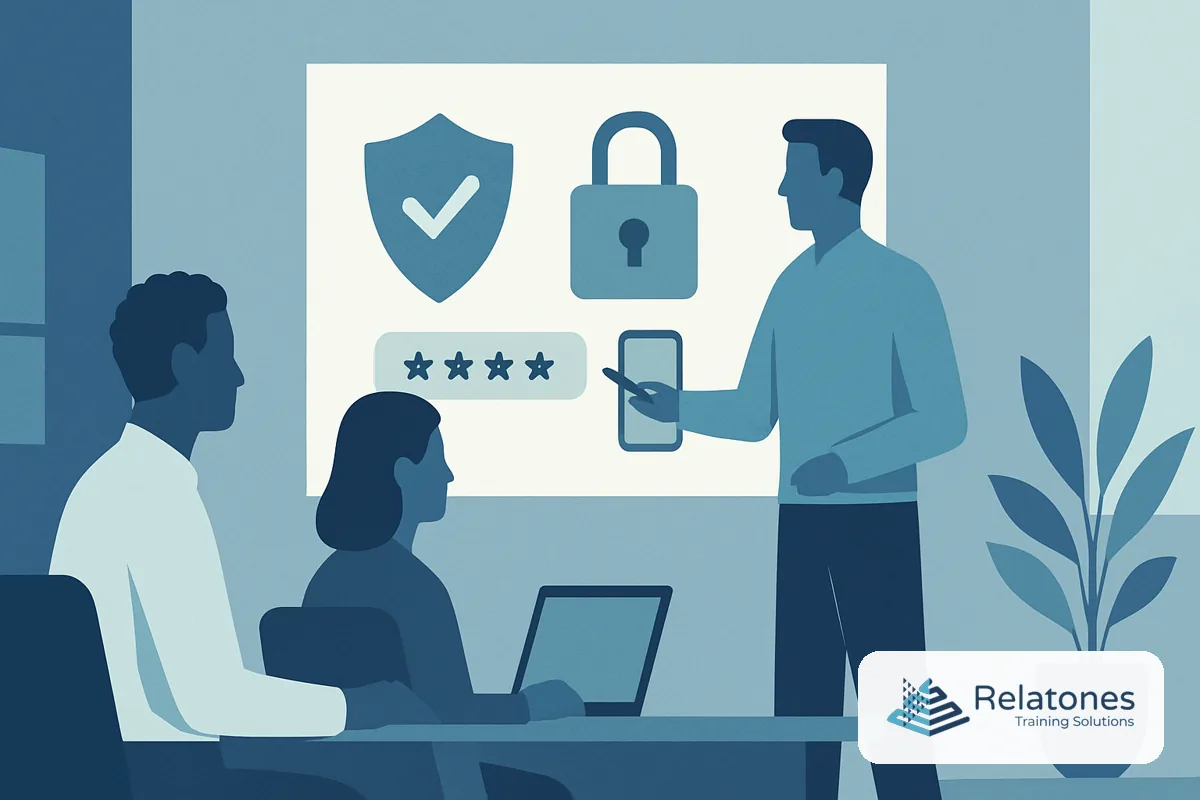
MFA training for employees is the structured instruction that teaches workers how to enroll in multifactor authentication, recognize legitimate prompts, respond to suspicious requests, and recover access safely when a device is lost or changed. Done right, it turns one of the most effective security controls into a daily habit rather than a compliance checkbox. Done wrong—or skipped entirely—it leaves your organization exposed even after you’ve paid to deploy the technology. If your employees are clicking “Approve” on every push notification without thinking, the training piece is missing.
Not sure where to start? Our cybersecurity awareness training guide covers the full landscape of employee security education, and our cybersecurity awareness training program is built specifically for US businesses with 50–500 employees and no internal L&D team.
Why MFA Training for Employees Matters Now
MFA is widely recognized as one of the highest-impact security controls a business can deploy. The FBI’s 2025 Internet Crime Report recorded $20.9 billion in total cybercrime losses—a figure that reflects how costly credential-based attacks have become for US businesses of every size.
Yet deployment alone is not enough. CISA’s guidance on requiring multifactor authentication explicitly tells small and mid-sized businesses to educate employees so they understand they are protecting themselves, the company, and customers by taking one extra step. CISA also warns that mobile push-based MFA has vulnerabilities and encourages a move toward phishing-resistant methods—which means employee behavior around prompt handling matters more than ever.
The adoption gap makes training even more urgent. A 2025 report cited in SMB security guidance found that workforce MFA adoption reached 70% by January 2025, but sat at only 34% among businesses with 26 to 100 employees and 27% among firms with fewer than 25 workers. For a company in that size band, the risk is not theoretical—it is active. Attackers know smaller businesses are less likely to have both the technology deployed and the training in place to use it correctly.
The cost of getting this wrong is concrete. IBM’s Cost of a Data Breach Report 2025 puts the average US data breach cost at $10.22 million. Training your employees to handle MFA prompts correctly is one of the lowest-cost ways to protect against the credential attacks that drive a large share of those breaches.
What MFA Training for Employees Should Cover
A common mistake is treating MFA training as a one-paragraph email announcement. Employees need more than “we’re turning on MFA Monday.” They need to know exactly what to expect, what to do, and what to ignore.
Good MFA training for employees covers these areas:
- Why MFA is required—Employees who understand the risk are more likely to comply and less likely to resist. Frame it as protection for them personally, not just the company.
- How to enroll—Step-by-step instructions, with screenshots, for both desktop and mobile. NIST’s Multi-Factor Authentication guidance for small businesses includes a checklist of questions every business should answer before rollout, including whether employees understand how to enable MFA and why it matters.
- What a legitimate prompt looks like—Employees should be able to distinguish a real authentication request from a suspicious one arriving out of nowhere.
- MFA fatigue attacks—Attackers sometimes flood employees with rapid approval requests, hoping someone clicks “Approve” just to make the notifications stop. Employees need to know this tactic exists and how to respond: deny the request, do not approve anything unexpected, and report it immediately.
- Device loss and recovery—What happens when a phone is lost, replaced, or unavailable? Every employee should know the answer before it happens to them.
- Approved factor types—Not all MFA methods carry equal security. SMS codes are weaker than authenticator apps, which are weaker than phishing-resistant options like FIDO2 keys or passkeys. Employees handling sensitive data should understand why the method matters.
For a deeper look at the phishing behaviors that make MFA training so important, our guide on how phishing attacks work walks through the mechanics employees need to recognize.
How to Roll Out MFA Training Step by Step
The single biggest rollout mistake is enforcing MFA before employees know what to do. That generates a wave of help-desk tickets, user frustration, and workarounds that create new vulnerabilities. A short, structured preparation phase makes enforcement smooth.
- Inventory your systems and prioritize by risk—Start with email, payroll, HR, and financial platforms. These carry the highest consequence if compromised. Use NIST’s Multi-Factor Authentication guidance page to confirm which systems support phishing-resistant options before you commit to a method.
- Pilot with IT and administrators first—These users have the highest access and the highest risk. Running the pilot internally also surfaces technical issues before they affect the broader workforce.
- Build your training materials before the announcement—Create a one-page enrollment guide, a short FAQ, and at least one short video walkthrough. Plain-language, screenshot-based guides reduce support load significantly.
- Announce with context, not just a deadline—Tell employees what MFA is, why the company is requiring it, what they will experience, and where to get help. The FTC’s cybersecurity guidance for small businesses consistently emphasizes communication as a rollout foundation.
- Run a live support window during enrollment—A dedicated help channel or drop-in session during the first week catches the majority of enrollment problems. This is especially important for teams without a dedicated IT function.
- Enforce, then monitor—After the enrollment deadline, enable enforcement and track completion. Log failed enrollments and follow up directly. Track help-desk ticket volume as a proxy for training gaps.
- Reinforce quarterly—Send brief reminders, run periodic phishing simulations that include MFA bypass scenarios, and update training when you add new systems or change authentication methods.
Skipping steps three through five typically results in employees finding workarounds, sharing credentials to avoid the process, or approving every prompt automatically—which defeats the entire purpose.
Assess My Team → Free. 10 minutes. No commitment.
A Practical MFA Training Framework for Teams Without L&D
Most businesses with 50–500 employees do not have a dedicated training team, which means MFA training has to be simple to build and simple to deliver. This framework works without a learning management system or instructional designer.
Before rollout (two to three weeks out):
- Identify your five highest-risk systems and confirm MFA is available on each
- Draft a one-page enrollment guide per platform, with screenshots
- Identify backup and recovery methods and document them clearly
- Schedule a live support window for enrollment week
During rollout (week one to two):
- Send the announcement with a plain-language explanation and the enrollment guide
- Hold the live support window—even one hour of open availability reduces tickets
- Track enrollment completion daily and follow up with stragglers personally
After rollout (ongoing):
- Confirm phishing-resistant methods are in place for privileged accounts, per CISA’s small and medium-sized business resources
- Add MFA prompt-handling scenarios to your existing phishing simulation program
- Review help-desk ticket patterns quarterly to find employees who need additional support
This approach treats MFA training as a short change-management program rather than a compliance course. The New Jersey Cyber Cell’s MFA guidance document puts it plainly: organizations should recognize change-management challenges, commit to open communication, and provide resources and training to employees. That is exactly what this framework delivers.
Delivery Format Comparison
| Format | Best for | Drives behavior change? | Notes |
|---|---|---|---|
| Blended | Initial rollout training + ongoing reinforcement | Strong | Combines live enrollment support with self-paced reference materials; best fit for distributed teams |
| Live Virtual | Synchronous Q&A and enrollment clinics | Strong | Works well for rollout week support sessions; lets employees ask real-time questions |
| Live In-Person | High-risk or technically complex user groups | Strong | Ideal for admins or employees who handle sensitive financial or health data |
| Self-Paced | Reference and refresher only | Limited | Useful for one-page guides and short explainers; not sufficient as the sole training method for behavior change |
How Relatones Approaches MFA Training for Employees
Relatones starts by assessing which systems each employee role accesses, then tailors training to what each group actually needs to know. Finance staff learn how to handle MFA on payroll and accounting platforms. Operations staff learn what to do when a shared workstation setup requires a different authentication flow. Administrators get additional instruction on phishing-resistant methods and why standard push notifications are not sufficient for their access level.
Training is delivered in a blended format—short live sessions during enrollment, backed by plain-language reference guides employees can use when they hit a problem two weeks later. We build in phishing simulation scenarios that include MFA bypass attempts, so employees practice the right response under realistic conditions rather than just reading about it.
The outcome is a team that uses MFA correctly every day, reports suspicious prompts instead of approving them, and recovers quickly when a device is lost or changed—without flooding the help desk.
Frequently Asked Questions
How often should employees complete security awareness training that includes MFA?
Most security guidance recommends at least annual training, with reinforcement every quarter. MFA-specific refreshers are especially useful after device changes, system upgrades, or a phishing incident—any event that disrupts normal authentication habits. Shorter monthly reminders outperform a single annual course for keeping behavior sharp.
What is phishing-resistant MFA, and why does it matter for small businesses?
Phishing-resistant MFA uses cryptographic methods—such as FIDO2 security keys or passkeys—that cannot be intercepted or replayed by an attacker who tricks an employee into visiting a fake login page. Standard push-notification MFA can be defeated through prompt-bombing or man-in-the-middle phishing; phishing-resistant methods eliminate that risk. CISA recommends prioritizing these stronger methods for administrators and anyone accessing sensitive systems.
Will an MFA solution be easy to use with current personnel, or will you need to hire a new technical role?
Most cloud identity platforms—Microsoft Entra, Okta, Duo—are designed for IT generalists to administer without a dedicated identity engineer. The bigger challenge is user support during rollout: employees need clear enrollment guides, a help channel, and a defined recovery process. Structured training before enforcement reduces help-desk tickets and avoids the need to add headcount just to manage lockouts.
What should MFA training for employees actually cover?
Good MFA training covers why MFA is required, how to enroll on desktop and mobile, what a legitimate prompt looks like versus a suspicious one, what to do when a device is lost or changed, and which fallback methods are approved. Training should also explain MFA fatigue attacks—where attackers flood employees with approval requests—so employees know to deny unexpected prompts and report them immediately.
Do you need dedicated employees for ongoing MFA upkeep and adjustments?
Not necessarily. Once MFA is configured and employees are enrolled, day-to-day administration is light: handling device changes, occasional lockouts, and periodic policy reviews. Pairing a managed security platform with structured employee training reduces the support burden significantly. Most 50–500 employee businesses handle MFA maintenance within an existing IT role rather than hiring a specialist.
Stop Treating MFA as a Technical Problem You Already Solved
Deploying MFA is step one. Training your employees to use it correctly—and to resist the social engineering tactics that bypass it—is what actually reduces your risk. With $10.22 million as the average US breach cost, according to IBM’s 2025 report, the gap between “we have MFA” and “our employees know how to use it properly” is too expensive to leave open. Start by identifying where your team’s training gaps are.
Assess My Team → Free. 10 minutes. No commitment.
Sources & References
Every statistic in this article is drawn from primary, US-based research. Explore the original sources below.
- 1Require Multifactor Authentication
- 2Multi-Factor Authentication
- 3Cybersecurity for Small Business
- 4MFA Frequently Asked Questions
- 5Multi-Factor Authentication (MFA): A Critical Step for Account Security
- 6Cybersecurity Awareness, Education, and Workforce Development
- 7Small and Medium-Sized Business Resources